Your Questions or Public Questions
Create your own categories and questions, choose from public questions, or combine both to build a game for your group.

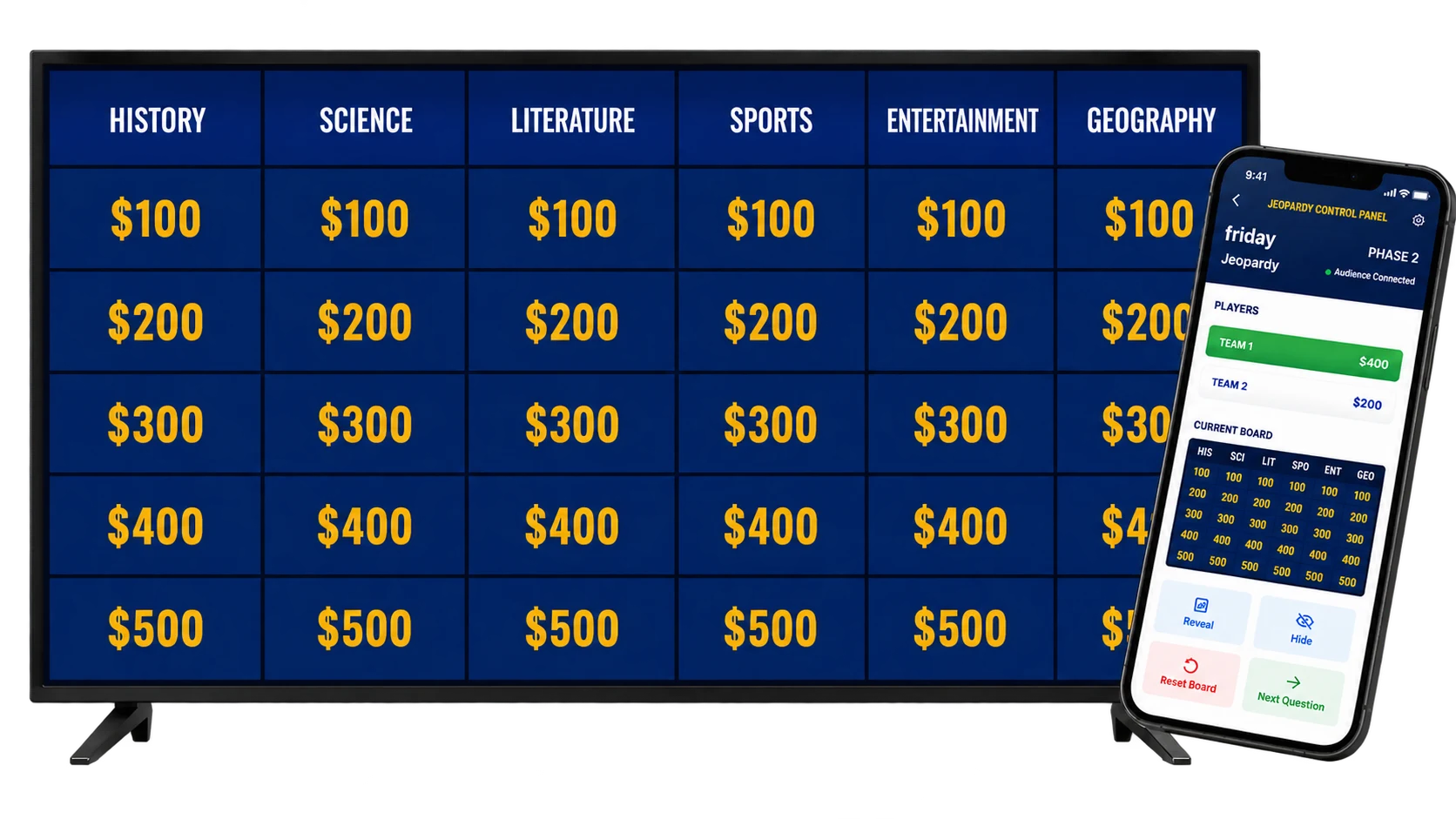
Create and host a Jeopardy-style game for two to six teams. Create your own questions or choose from public questions, then organize them into categories that fit your group.
Put the board on a TV or projector and control it privately from your phone, tablet, or computer. Double Jeopardy, Final Jeopardy, and Daily Double are ready when you are—no downloads, complicated setup, or PowerPoint templates required.
A Jeopardy PowerPoint template still leaves you building links, hiding answers, and tracking scores by hand. Family Face-Off gives you the editable board and the tools needed to run it live in one place.
Create your own categories and questions, choose from public questions, or combine both to build a game for your group.
Search public questions and reuse personal or favorite questions to finish a board faster.
Add Double Jeopardy, Final Jeopardy, and an optional Daily Double when you want a complete game.
Name the teams before each session and keep every score visible on the live board.
Choose clues, reveal responses, award points, and control the round without showing the answer key.
Put the audience view on a TV, projector, or shared video-call screen while you host from another device.
Build the board, prepare the teams, and start hosting in a few straightforward steps.
Name each category and fill the board with your own clues and responses, public questions, or questions you saved.
Keep it short with one board or add Double Jeopardy, Final Jeopardy, and a Daily Double.
Save the game, add the teams playing today, and launch a fresh hosted session.
Show the audience board while you choose clues, reveal responses, and update scores from another device.
Show the game board on a TV or projector while the host controls it privately from a phone, tablet, or computer. Clues, responses, and scores update on the big screen in real time for a polished TV game-show experience.
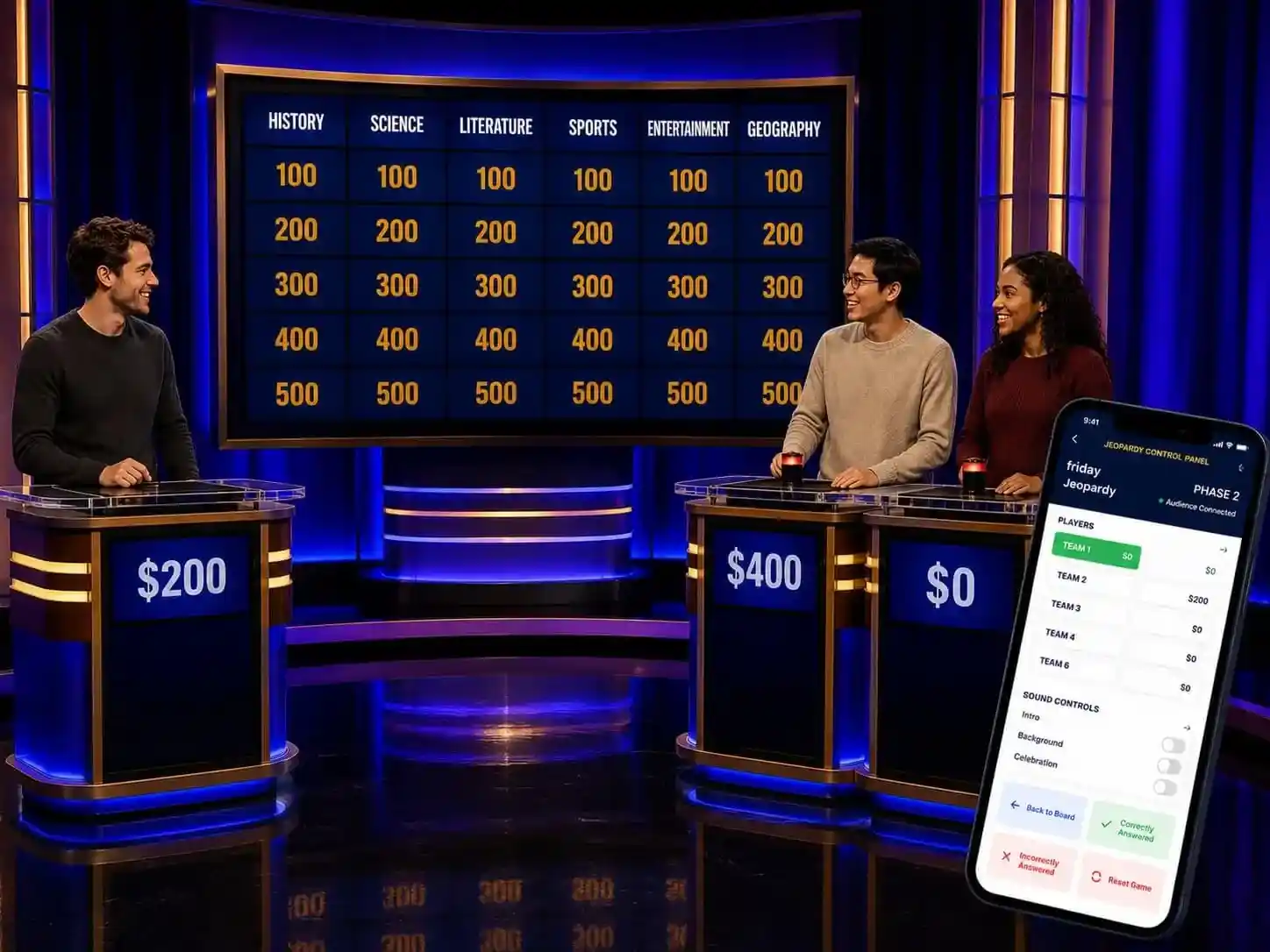
Customize the categories and clues for the people playing, then use the same polished game board for learning, training, or fun.
Turn lesson units, vocabulary, and test material into an interactive classroom review game.
Make company training, onboarding, and team meetings more engaging.
Create a trivia game for birthdays, reunions, holiday gatherings, and game nights.
Build a friendly group activity for Bible study, youth nights, ministry events, or community gatherings.
A PowerPoint template can look like a board, but the host still has to manage slides, links, answers, and scores. This online Jeopardy game generator gives you a playable board and handles the live game flow in one place.
PowerPoint template: manual links, manual scoring, one shared screen
Family Face-Off: clickable board, private controls, live scores, dedicated audience view
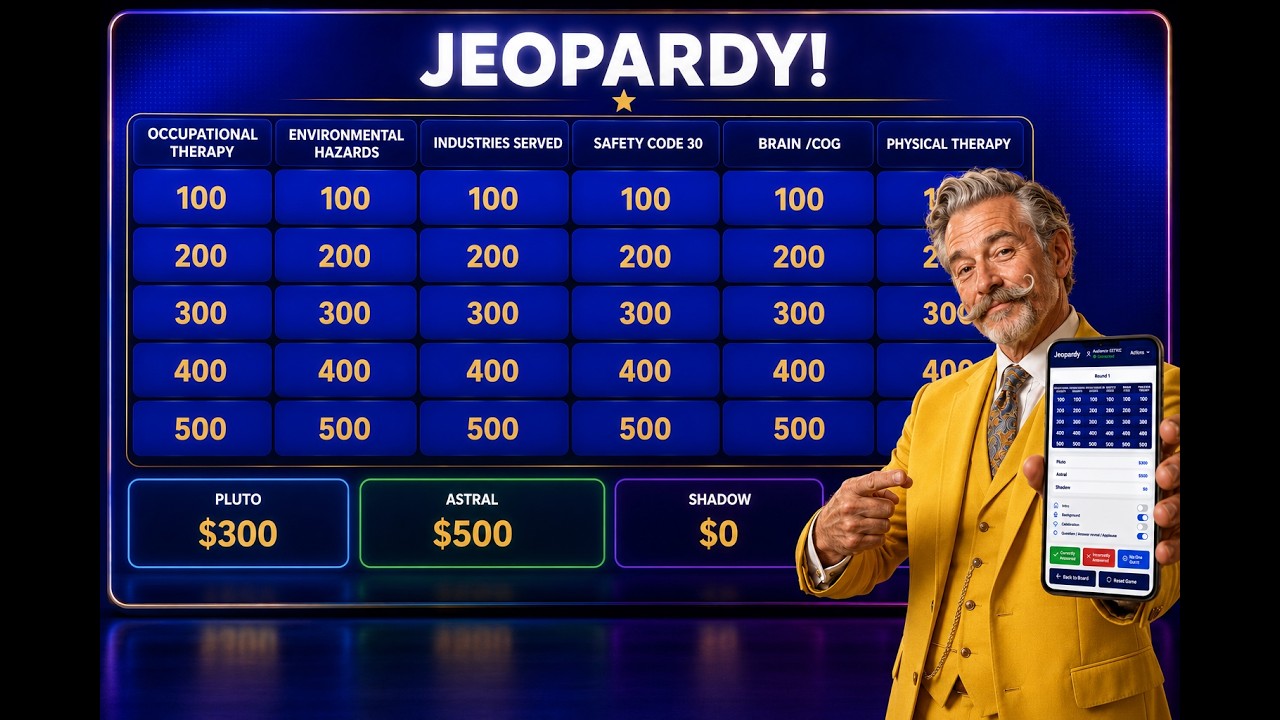
Watch the complete hosting flow, from opening the board to selecting clues, revealing responses, and keeping score for the teams.
Yes. You can create and host two games free, and no credit card is required to get started.
No. The game board, clue reveals, teams, scoring, host controls, and audience display all run in your browser.
Yes. You can write every category, clue, and correct response yourself, use public questions, or combine both.
Yes. You can add a Double Jeopardy round, a Final Jeopardy clue, and an optional Daily Double.
Each hosted Jeopardy-style game supports between two and six teams.
Yes. Show or share the audience board while the host controls the game privately from a phone, tablet, laptop, or desktop.
No. Family Face-Off is an independent Jeopardy-style trivia game maker and is not affiliated with the television show.
Build your first board free and give your group the game-show experience without the slide-deck work.